
24/7 Support Centerinfo@sunspike.net
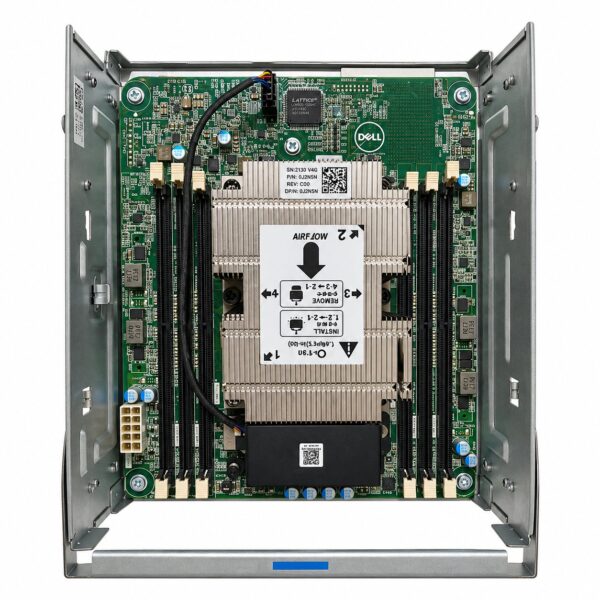
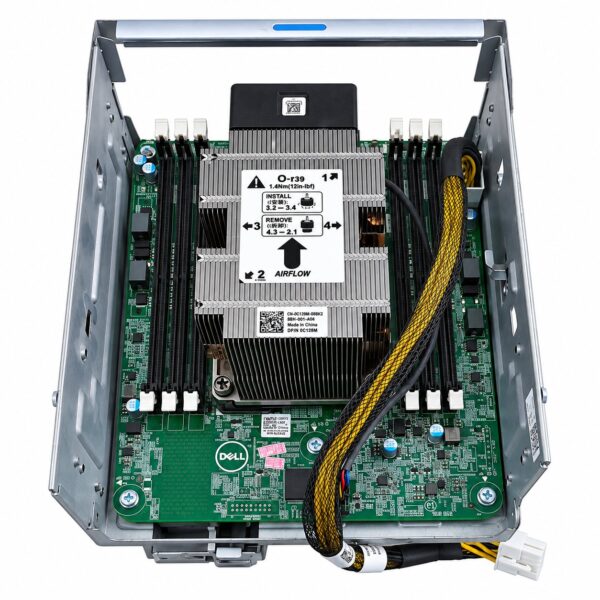
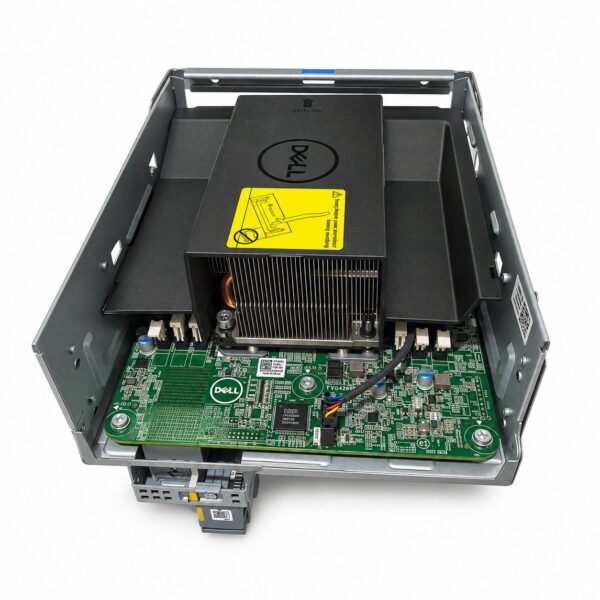
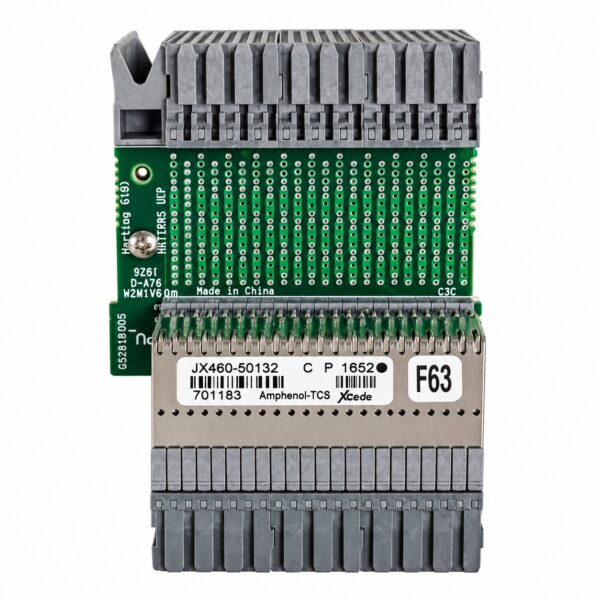
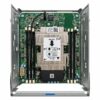
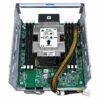
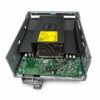
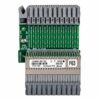
Dell Precision Tower 7820 Second CPU Processor Riser Board Kit / CPU1 Riser Card 5MCXT, NHPC2, MHR9M
Dell Precision Tower 7820 Second CPU Processor Riser Board Kit / CPU1 Riser Card 5MCXT, NHPC2, MHR9M
Enterprise stock · tested · export documentation available
General Identification
-
Product Type: Second CPU Processor Riser Board Kit / CPU1 Riser Card
-
Manufacturer: Dell Inc.
-
Compatible System: Dell Precision Tower 7820 (T7820) Workstation
-
Primary Part Numbers (DP/N): 5MCXT, NHPC2, MHR9M (Often used interchangeably or as a kit number; 5MCXT specifically refers to the planar board)
-
Function: Enables dual-processor (Dual Xeon) configuration and provides additional memory expansion slots.
Processor & Chipset Support
-
Socket Type: LGA3647 (Socket P)
-
Processor Support: Intel Xeon Scalable Processors (1st Gen Skylake-SP and 2nd Gen Cascade Lake-SP, subject to system BIOS compatibility) .
-
Configuration: Supports the installation of a second physical CPU (CPU1) in addition to the primary CPU (CPU0) on the main motherboard.
Memory Expansion
-
Onboard DIMM Slots: 6 x DDR4 DIMM slots dedicated to the second processor (CPU1) .
-
Memory Type: DDR4 Registered ECC (RDIMM) or Load-Reduced ECC (LRDIMM), consistent with the main system board requirements .
-
Total System Capacity Impact: When combined with the 6 slots on the main motherboard, a dual-CPU configuration provides a total of 12 DIMM slots. This allows for significantly higher maximum memory capacities (up to 512GB for Cascade Lake or 256GB for Skylake, per official Dell specs for the platform) .
Power & Connectivity
-
Power Interface: The riser board requires a dedicated power connection from the system power supply. The kit typically includes the necessary 10-pin power card/cable (e.g., part NFXND) .
-
Cooling: The kit includes a dedicated heatsink (e.g., part C20W8) and a heatsink fan (e.g., part YD4TX) to cool the second processor, along with a plastic airflow guide (e.g., GJ05W) .
Physical & Installation Notes
-
Form Factor: Proprietary Dell riser card designed to slot into a specific connector on the T7820 motherboard.
-
Installation Requirements: Installation involves removing the CPU1 socket cap (on the mainboard), securing the riser card, connecting power, and mounting the CPU/heatsink assembly onto the riser board .
Related products
-
Intel Xeon E5-2640 V4 2.4GHz 10-Core Processor LGA2011-v3 Socket CPU
Intel Xeon E5-2640 V4 2.4GHz 10-Core Processor LGA2011-v3 Socket CPU
-
Intel E5-2650v3 2.3GHz/25M/2133MHz 10-Core 105W
Intel E5-2650v3 2.3GHz/25M/2133MHz 10-Core 105W
-
Intel Xeon Gold 5122 Processor (3.6 GHz, 4C, 16.5MB Cache)
Intel Xeon Gold 5122 Processor (3.6 GHz, 4C, 16.5MB Cache)
-
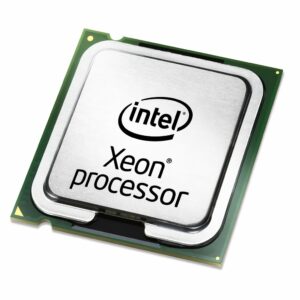
Intel® Xeon® Processor E5-2695 v4 (45M Cache, 18Core 2.10 GHz)
Intel® Xeon® Processor E5-2695 v4 (45M Cache, 18Core 2.10 GHz)
Reviews
There are no reviews yet.